Gateway Community Services

Accessibility
and inclusion
Making an established website easier to access without a complete redesign.
Gateway Community Services partnered with Oyova to identify and resolve accessibility issues across its website. Through targeted development updates, Oyova improved text contrast, buttons, links, and navigation while preserving the organization’s existing design and branding.
Improving accessibility
without a redesign
Gateway Community Services needed to address accessibility issues across its website, but a complete redesign wasn’t part of the plan. The organization wanted to identify barriers that could make the website difficult to use and implement practical fixes without changing its established design or branding.
Many of the issues appeared across multiple pages because they shared the same design elements. Color contrast was a particular concern, affecting text, buttons, and navigation links. Oyova needed to address these recurring problems efficiently while maintaining the site’s existing visual identity.
- Review the website for accessibility issues
- Identify barriers affecting website usability
- Improve text and interface element contrast
- Preserve existing branding and web design
- Retest updates to verify the fixes
Targeted accessibility
improvements
Oyova fixed accessibility issues through focused website updates to improve readability and usability.
Website accessibility review
Reviewed the site to find accessibility barriers affecting text, buttons, links, navigation, and more.
Improved color contrast
Updated text colors, buttons, and navigation links to improve contrast and make website content easier to read.
Shared component updates
Grouped recurring issues and updated shared website components to resolve problems across multiple pages.
Testing and verification
Retested affected website areas after the updates to confirm that accessibility improvements worked as expected.
From accessibility review
to remediation
-
Review the website
Evaluated the website to identify accessibility issues affecting readability, navigation, and interactive elements.
-
Identify recurring issues
Grouped similar findings to identify problems affecting shared website components and determine where a single update could resolve issues across multiple pages.
-
Implement development updates
Updated text colors, buttons, links, navigation, and other website elements to improve contrast and usability while preserving the existing design.
-
Test and verify changes
Retested the affected website areas to confirm that the updates addressed the identified accessibility issues and worked as expected.
A more accessible
website experience
Text readability
Updated text colors and contrast made website content easier for visitors to read.
Website usability
Improved buttons, links, and navigation made the website easier to browse.
Accessibility without a redesign
Shared website styles and components were updated to address recurring issues while maintaining Gateway’s existing design and branding.
Accessibility
without compromise
More nonprofit work
 Nonprofits & Associations
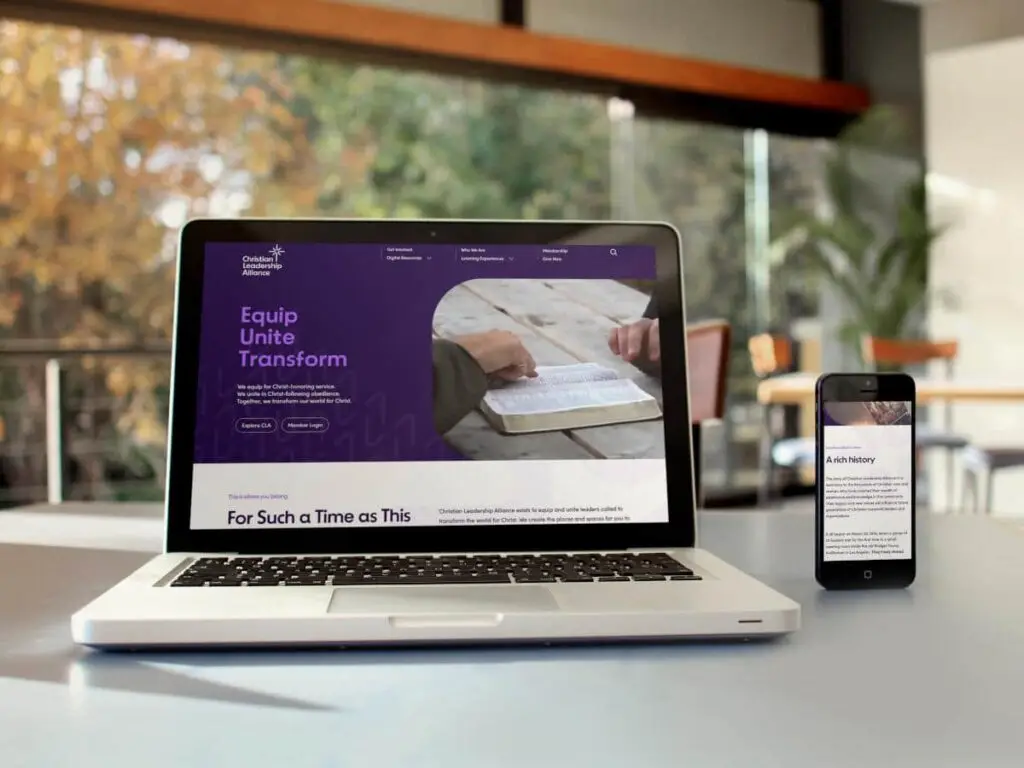
Christian Leadership Alliance
Web Development & Complex WordPress, Web Design & User Experience (UX), SEO, AEO & AI Search Optimization, ADA & WCAG Accessibility Compliance
 Nonprofits & Associations
Civics for Life
Web Development & Complex WordPress, Web Design & User Experience (UX)
 Nonprofits & Associations
Digital Mastermind
Web Design & User Experience (UX), Web & Application Development, SEO, AEO & AI Search Optimization
Make your website
more accessible
Improve your website’s accessibility without starting over. Oyova can identify barriers, implement fixes, and create a better experience.